Iso Pixel 2.5D
Iso Pixel - Turn 3D models or Images into clean, animated isometric pixel art sprite sheets right in your browser in seconds.
In the close future Iso Pixel will become a portable local tool, meanwhile feel free to use the browser version!
I am looking forward to what people make with it or use it for.
What is Iso Pixel? Stop spending weeks manually drawing isometric rotations and animations. This is a lightning-fast, browser-based web studio that bridges the gap between 3D modeling and retro game development. Drag and drop your 3D files and instantly generate crisp, game-ready isometric sprite sheets.
Key Features
- Instant Browser-Based Pipeline: Zero installation or heavy setup required; drop your 3D files and get results in seconds.
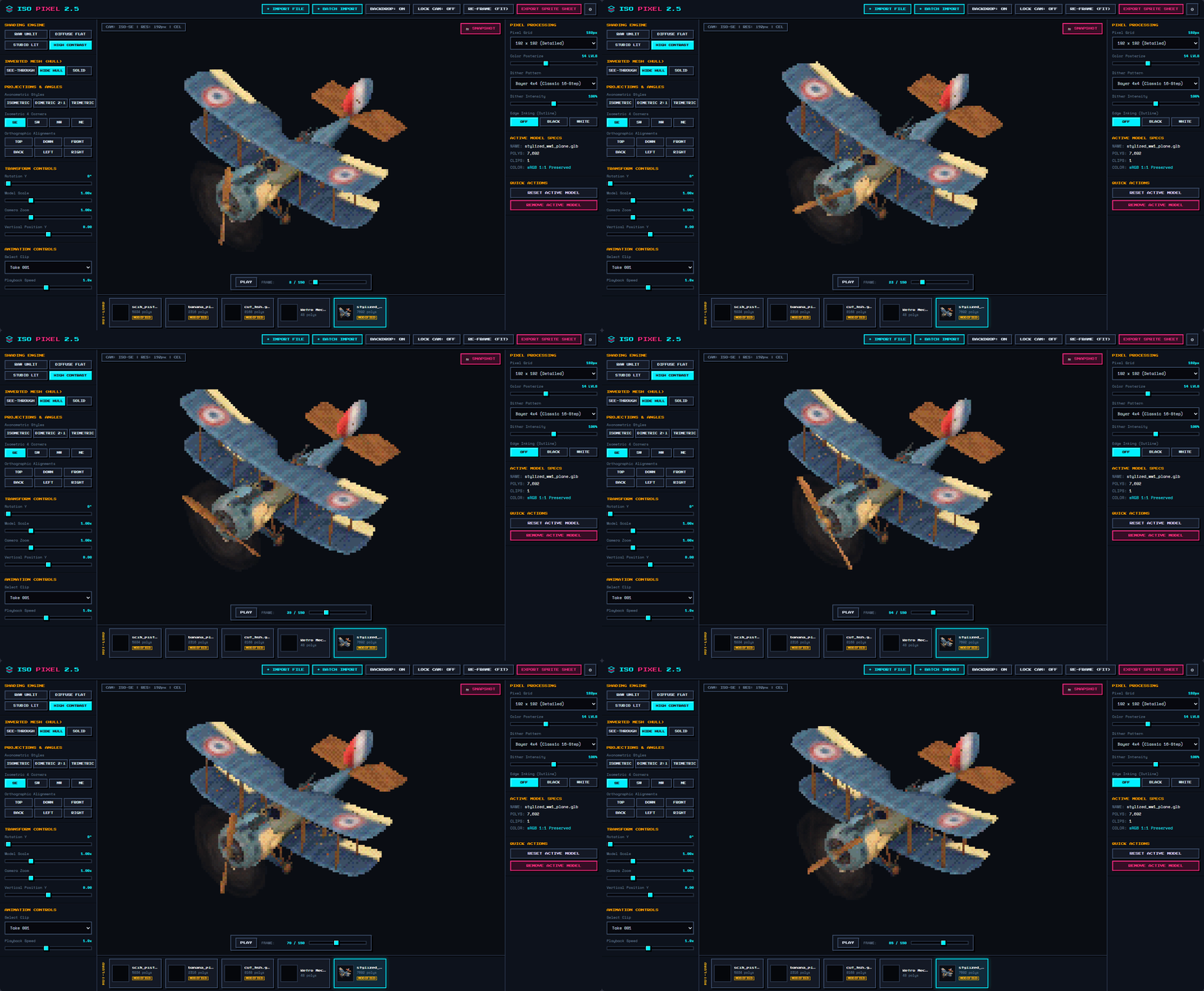
- Animation Support: Import animated 3D models and convert full motion cycles into smooth pixel art animation frames.
- Batch Processing: Process multiple models, angles, or states all at once to speed up your asset creation workflow.
- Clean PNG Sprite Sheet Exports: Generates standard, universally compatible PNG sprite sheets that drop right into Godot, Unity, GameMaker, and other engines.
- Multi-Directional Consistency: Perfect mathematical angles ensure your characters and objects look completely consistent across every isometric direction.
How It Works
- Drop: Drag and drop your 3D model (or animation) into the browser.
- Configure: Choose your preferred angle, zoom, and pixel density settings.
- Export: Download your clean, game-ready PNG sprite sheets instantly!
Ready to supercharge your pixel art workflow?
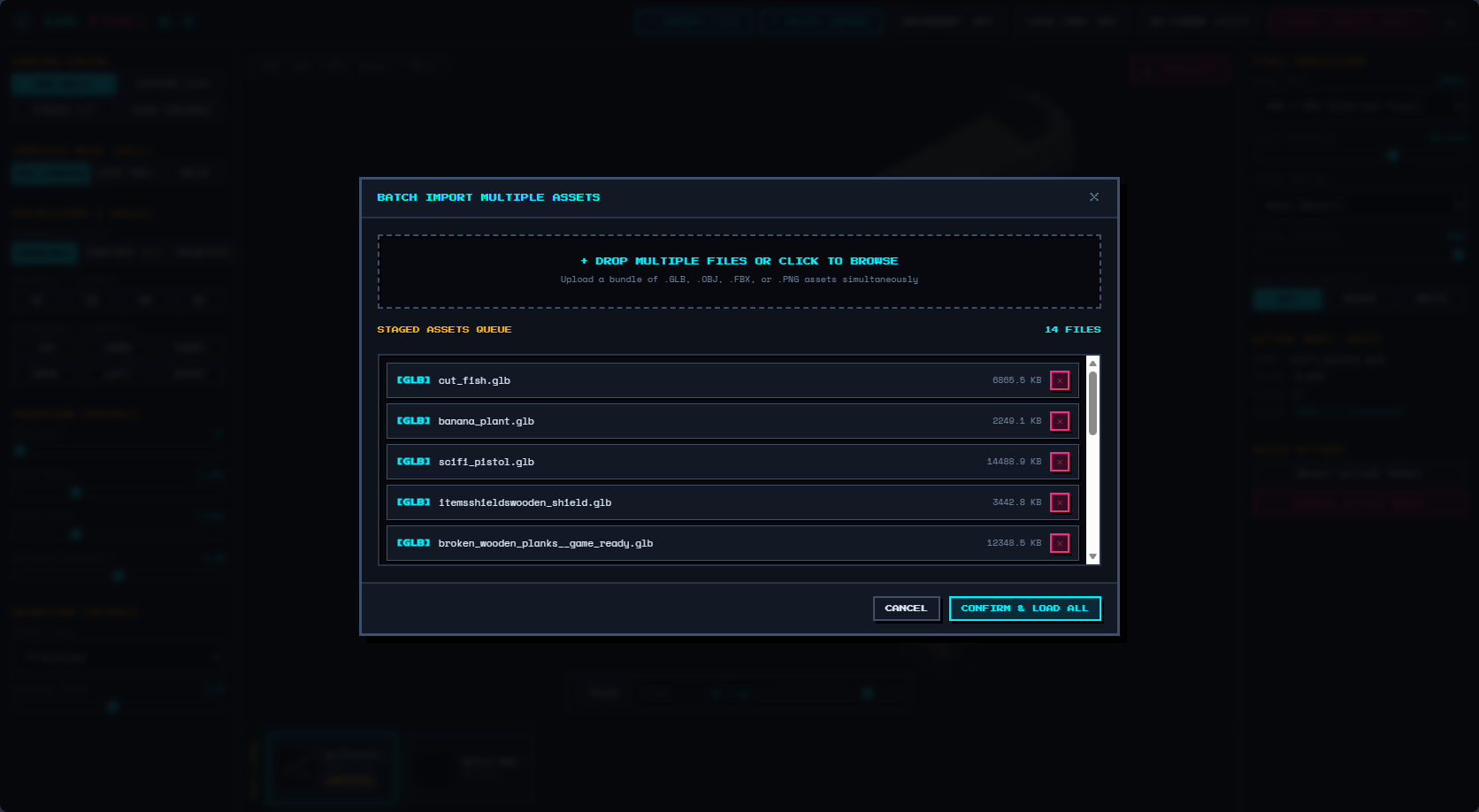
Simple Batch Import
The batch import is made in a way that allows you to import 10-20 models or images at a time and work on them separate through hot-load!
Everything is made to boost your workflow instead of hindering you with a step by step model by model process!
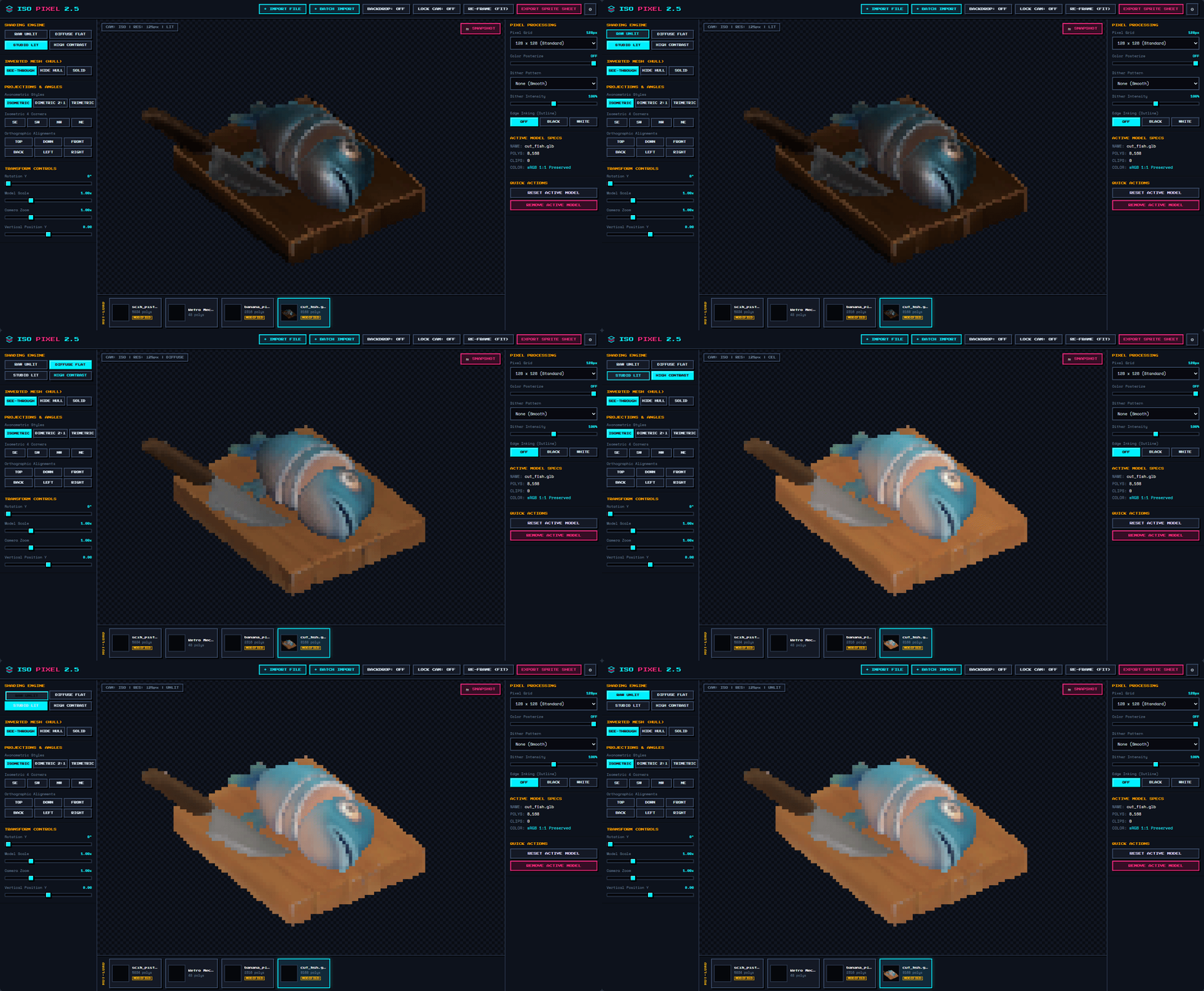
Easy to use and understand
Viewport has simple rules, pan, rotate and lock your place and on export you get exactly what you look at.
Pick between 3 modes or make your own and start making your isometric game/scene a reality.
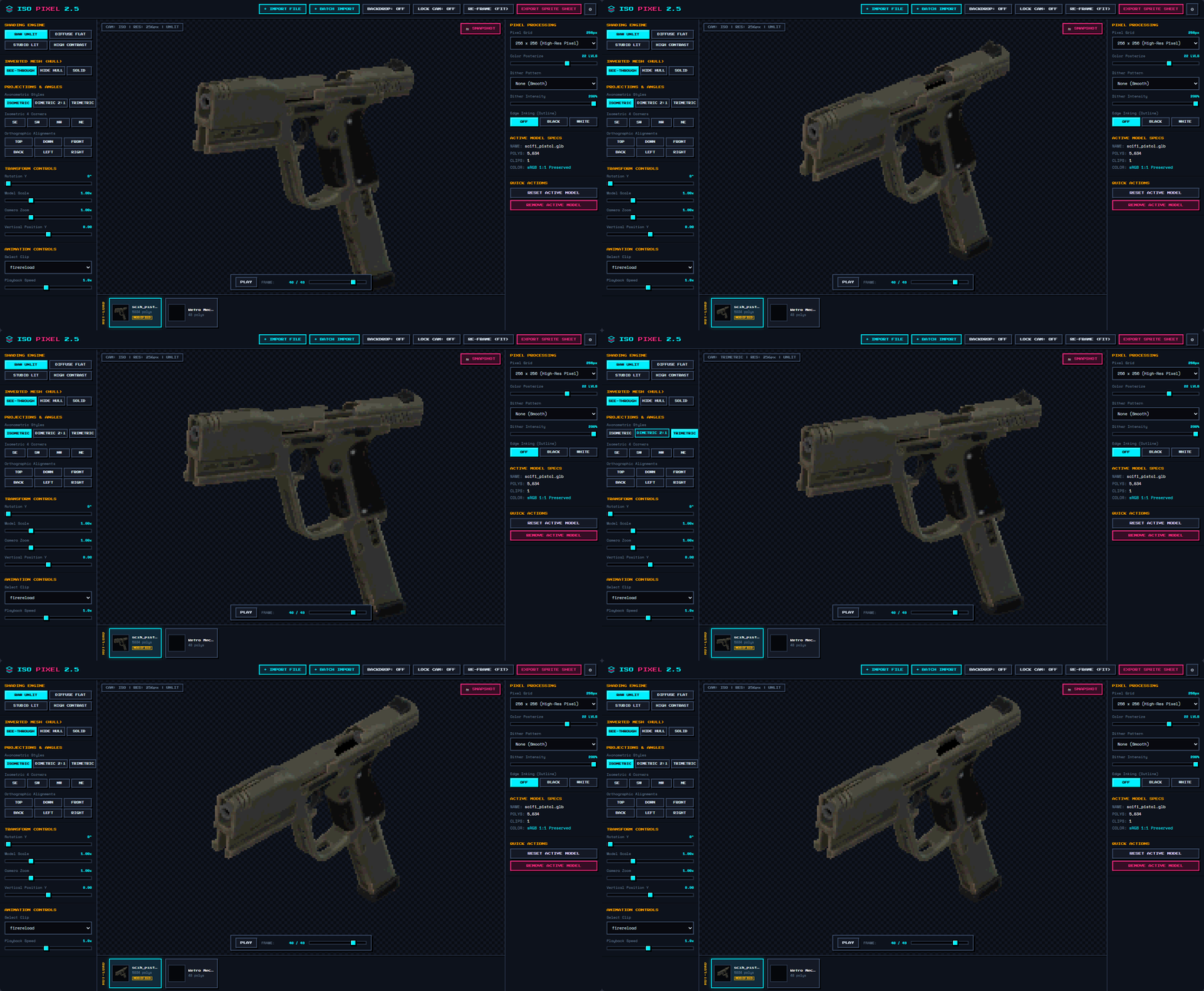
Choose between 4 shades
You are not stuck in a default raw unlit state! Maybe you want your model to feel different and that's easier done than said!
Pick a shade engine, adjust your rotation and export!
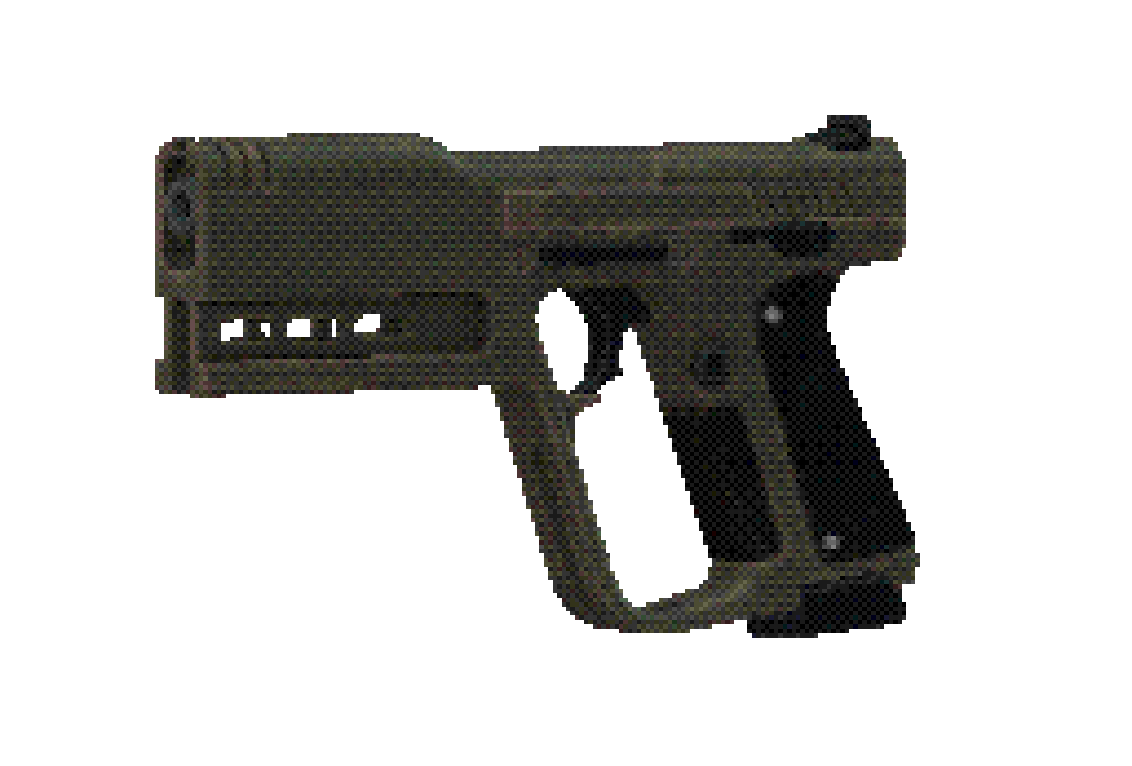
Export your Preview!
You need a screenshot?
Maybe a game icon out of your object?
Pose > Adjust > Screenshot
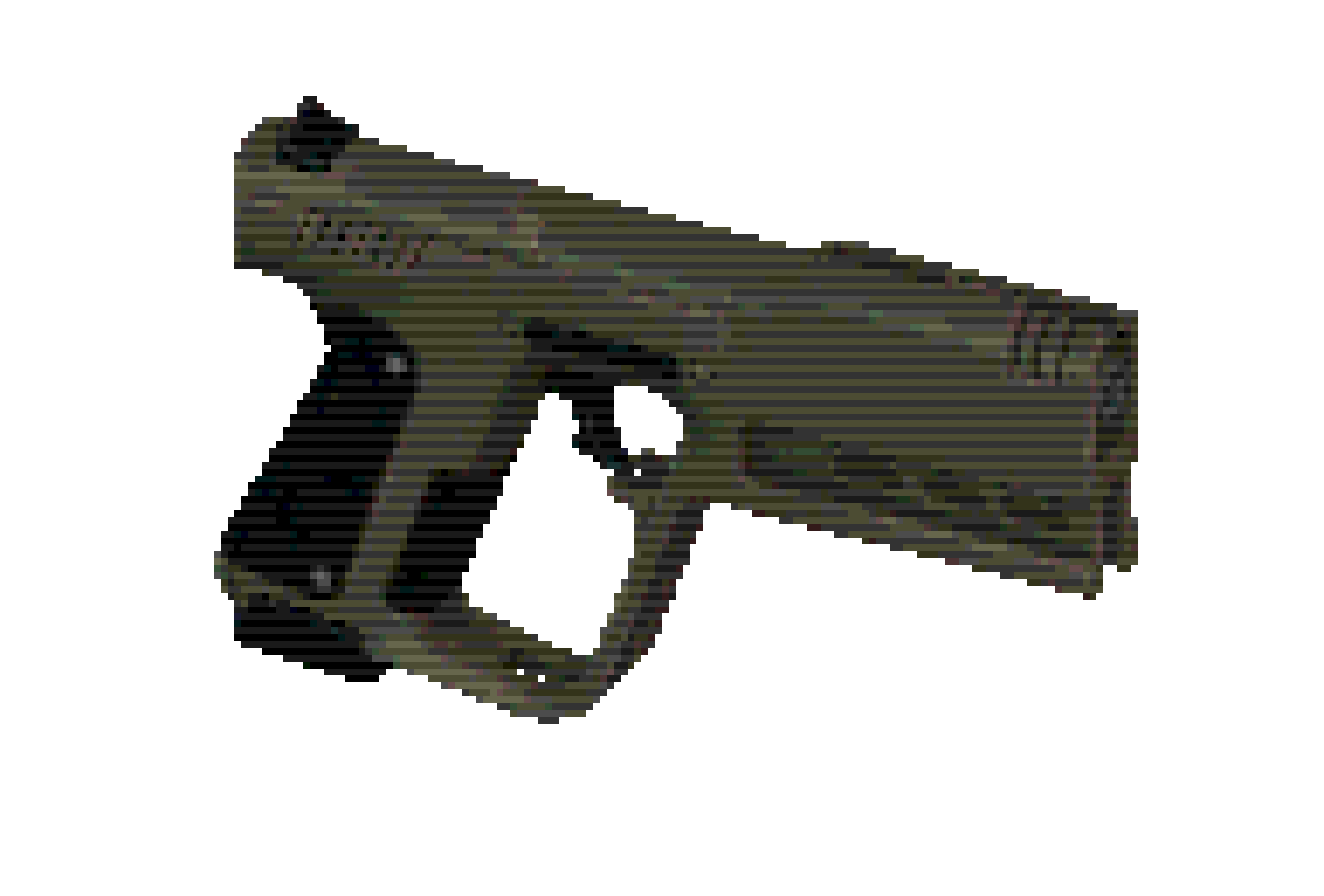
Your model, your game icon, your rules!
Don't overthink of an expensive, time consuming process to turn your model, image into a game icon with overcomplicated settings or workflows.
Load your image/3d model, adjust the preview and screenshot! Your result will be an accurate preview to PNG version that's easy to use as it is!
Leave a comment
Log in with itch.io to leave a comment.